


“One of the biggest photography lessons I ever learned wasn’t about taking the photo. It was about where I was looking at it.”
— Helen Oakes
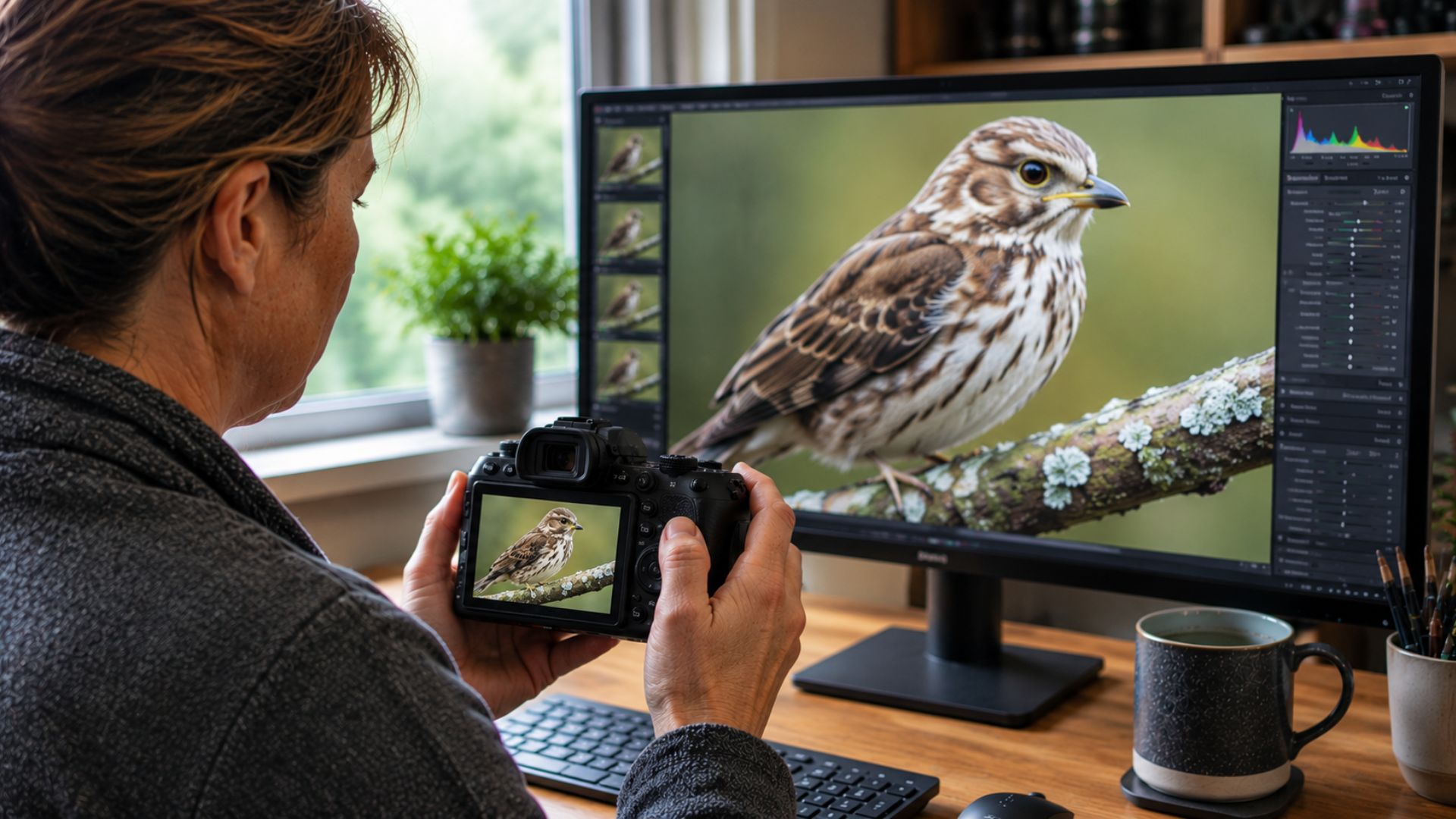
I still remember the first time this happened to me. I had spent a wonderful morning photographing wildlife. The light was beautiful, the autofocus appeared to lock onto the eye, and the images on the back of my camera looked fantastic. I drove home feeling excited about what I had captured, but when I opened the photographs on my computer, that excitement disappeared almost instantly.
The same photographs that had looked sharp and detailed on the camera suddenly appeared soft, disappointing and nowhere near as crisp as I remembered. My first thought was that something must have gone wrong. Perhaps the autofocus had missed, maybe the lens needed calibrating, or perhaps there was something wrong with the camera itself.
Over time, I learned that none of those explanations was necessarily true. This is one of the most common reasons photographers lose confidence in their equipment, yet in many cases, the camera is not the problem at all.
Quick Answer
If your photographs look sharp on the back of your camera but blurry or soft on your computer, the most likely causes are the small size of the camera screen, the processed JPEG preview shown by the camera, viewing the photograph at 100%, insufficient RAW sharpening, or a small focusing or movement problem that was hidden on the rear display.
The Camera Screen Can Make a Soft Photo Look Sharp
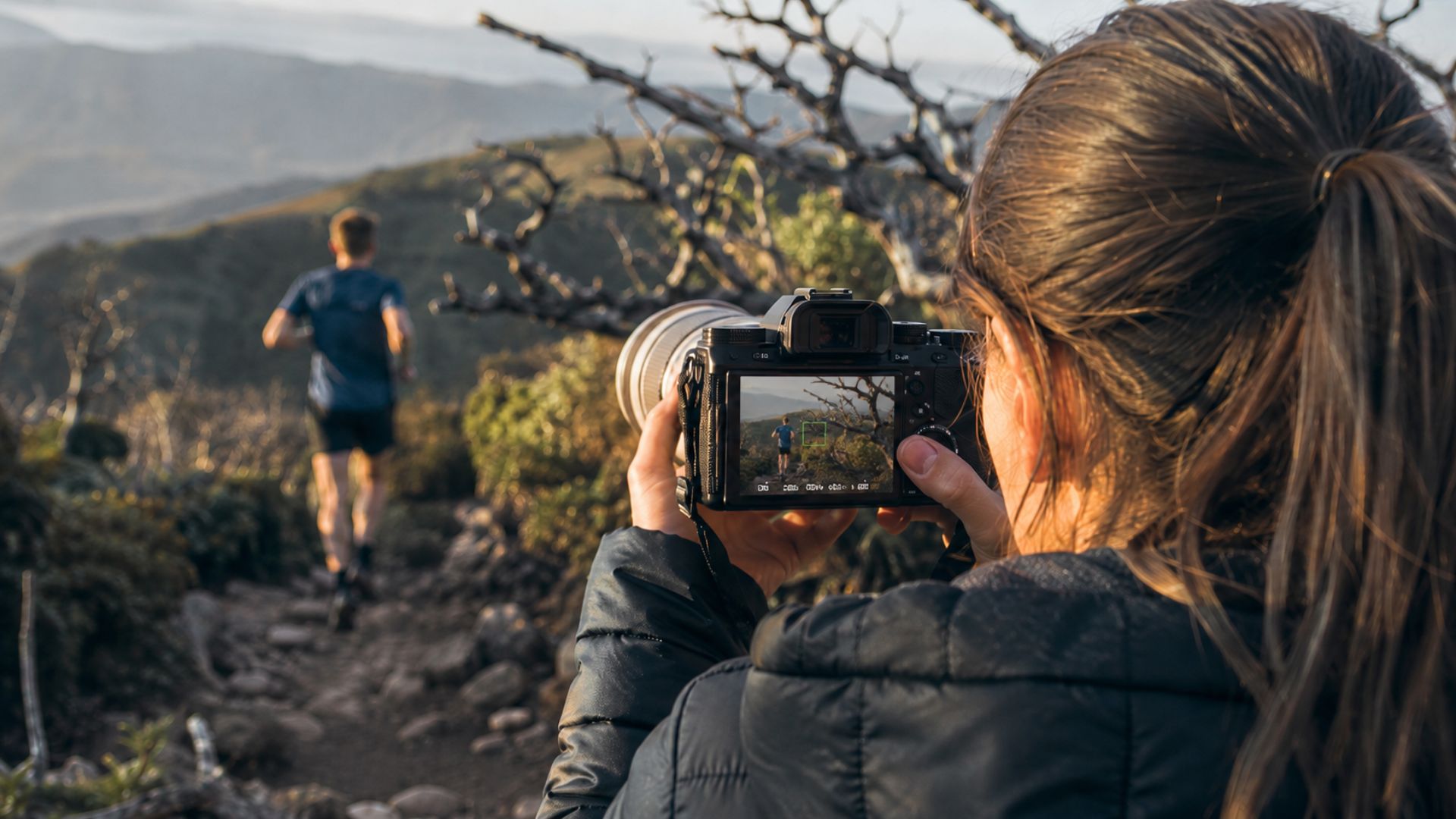
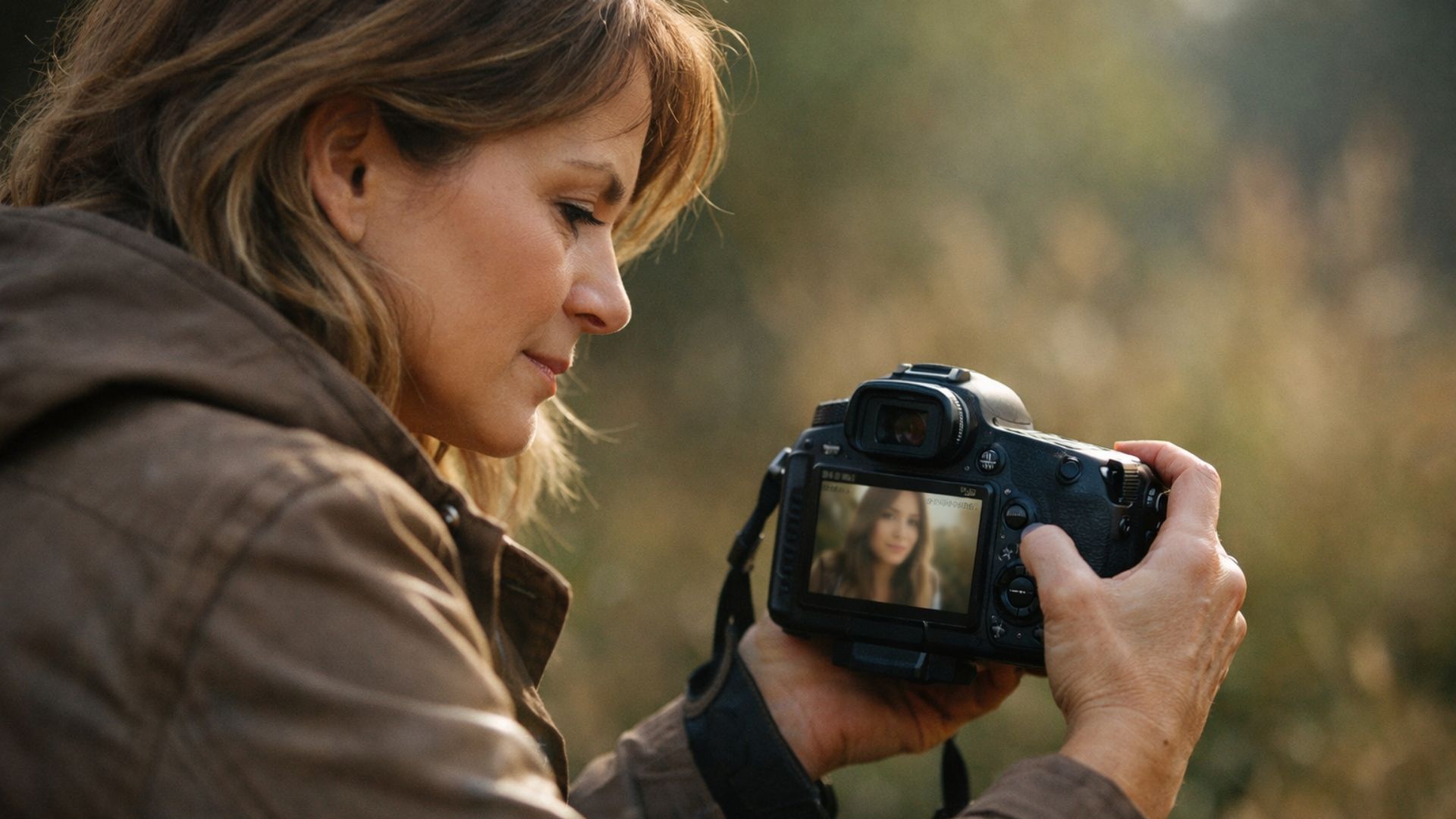
The rear screen on your camera is useful for checking composition, exposure and whether you generally captured the moment. It is much less reliable when you are trying to judge critical sharpness.
A modern camera may produce an image containing 24, 33, 45 or even more megapixels, but the camera then squeezes all of that information onto a screen only a few inches wide. When an image is displayed that small, tiny problems become difficult to see.
A slight focusing error may disappear. A small amount of camera movement may not be obvious. Fine detail that looks acceptable on the camera may appear much softer when it is enlarged on a computer monitor. The camera screen has not changed the photograph; it has simply hidden some of its imperfections.
Your Computer Is Showing You More Detail
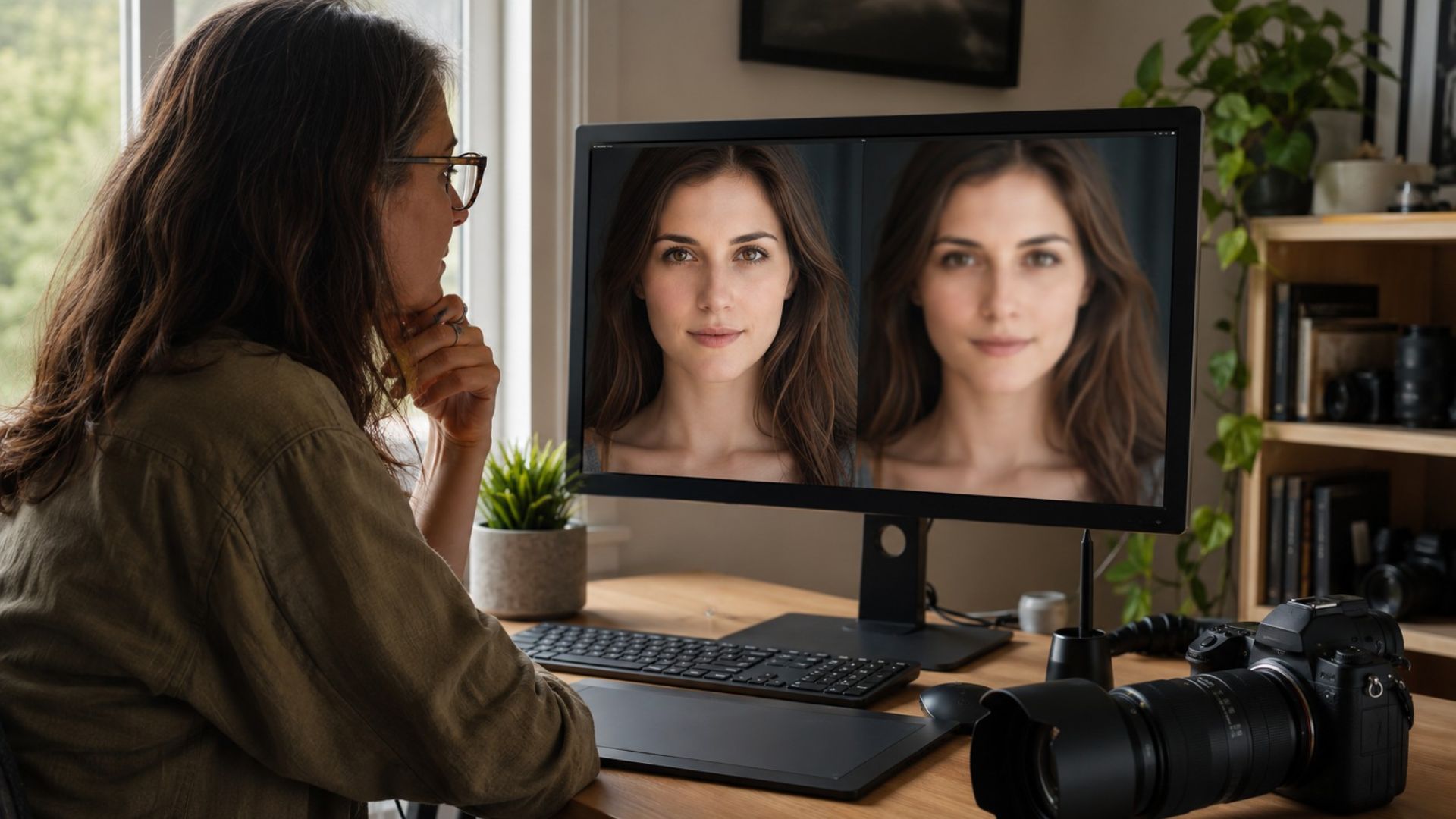
When you open the same image on a large monitor, you are seeing it under very different conditions. The photograph is larger, fine details are easier to inspect, and small focusing errors, subject movement, camera shake and atmospheric softness are all more noticeable.
This can make it feel as though the image lost sharpness while it was being transferred, but it did not. Your computer is simply allowing you to inspect the photograph more closely than the camera screen did.
The Camera May Be Showing You a Processed JPEG Preview
This catches many photographers out, especially when they start working with RAW files. The photograph displayed on the back of the camera is usually not a completely unprocessed version of the RAW file.
The camera normally creates an embedded JPEG preview. That preview may already include sharpening, contrast, colour, noise reduction and the selected picture profile. When you open the RAW file on your computer, your editing software may initially show a flatter and less sharpened interpretation.
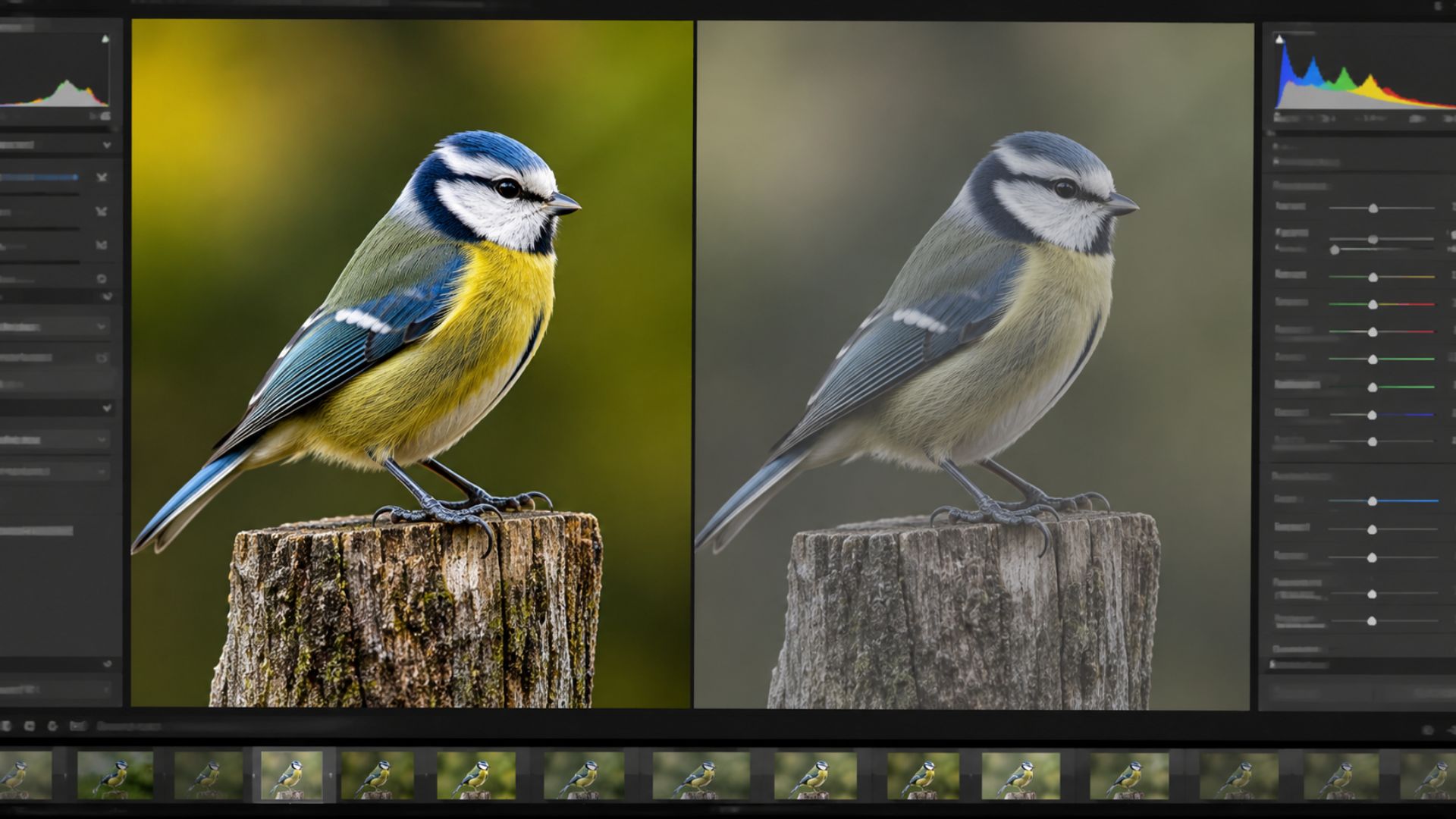
This does not mean the RAW file is worse. It simply means the camera preview had already been processed.
Your Editing Software May Need Time to Render the Image
Sometimes a photograph initially appears soft because the editing software is displaying a lower-resolution preview. This can happen while Lightroom, Camera Raw or another program is still loading the full image data.
Wait a moment and allow the software to render the photograph properly before making a final judgement. You may notice the image suddenly becomes clearer once the higher-quality preview appears.
Be Careful When Judging Sharpness at 100%
One of my biggest mistakes was judging every photograph at 100% magnification. I would zoom deeply into the image and examine every feather, eyelash or strand of fur. If anything looked slightly soft, I assumed the photograph had failed.
Eventually, I realised that viewing a high-resolution photograph at 100% can be equivalent to examining an enormous print from a very short distance. That is not how most people will ever see the final image.
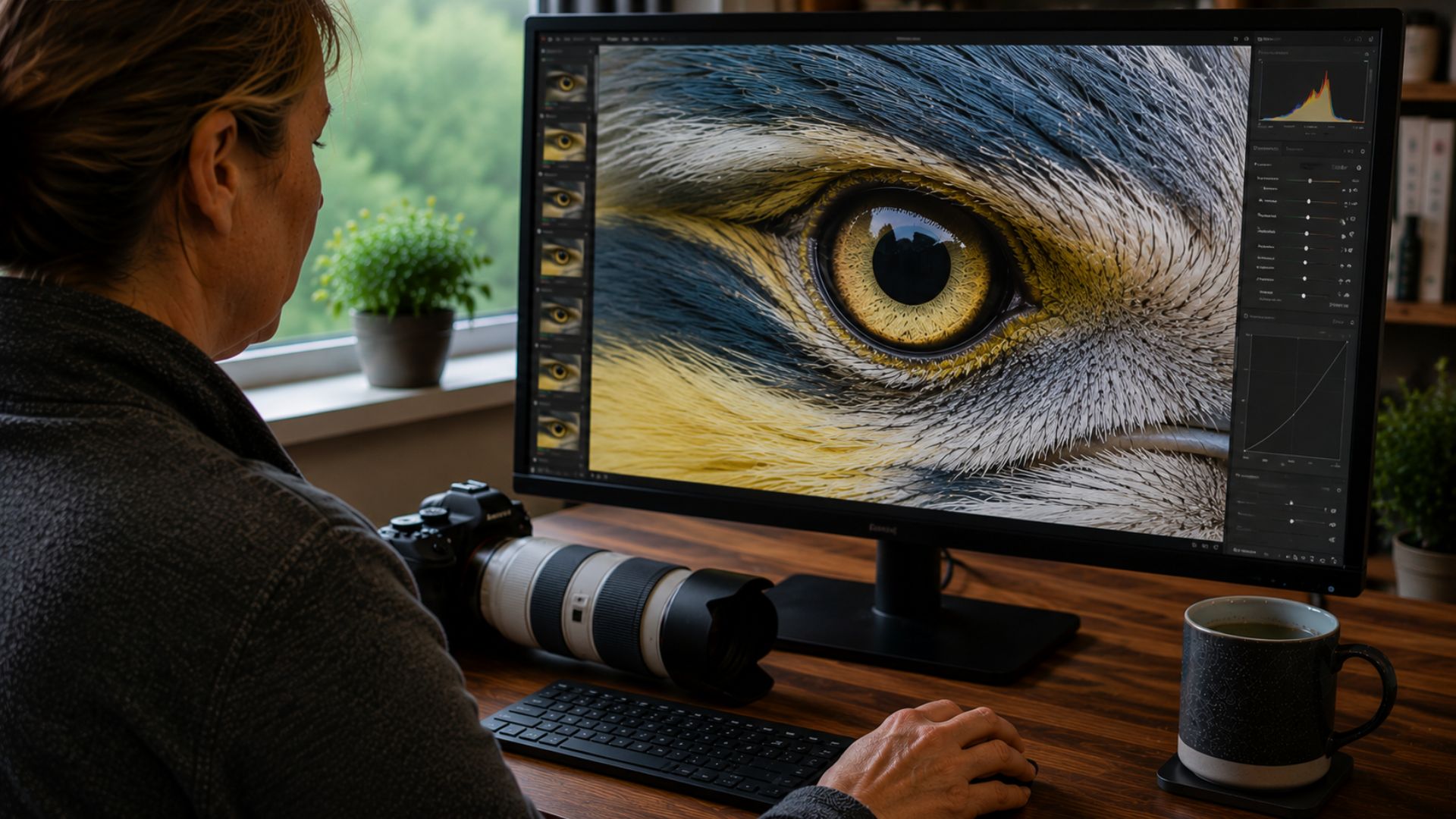
Before rejecting a photograph, ask yourself how it will actually be used. Will it be viewed on a phone, displayed on your website, shared on social media or printed? How large will the finished image really be?
- Viewed on a phone
- Displayed on a website
- Shared on social media
- Printed at a small or medium size
- Inspected as a large fine-art print
A photograph does not always need to look perfect at extreme magnification to appear beautifully sharp at its intended size.
Check Whether the Correct Part of the Photo Is Sharp
Sometimes the photograph is sharp, but the sharpness is not where you expected it to be. For example, the camera may have focused on a wing, branch, nose or background detail instead of the subject’s eye.
On the small camera screen, the whole subject may appear acceptably sharp. On the computer, the misplaced focus becomes much easier to see.
When I diagnose this type of photograph, I do not only ask whether the image is sharp. I ask a more useful question: Where is the sharpest detail in the photograph? That question often reveals what actually happened.
Look for Camera Movement and Subject Movement
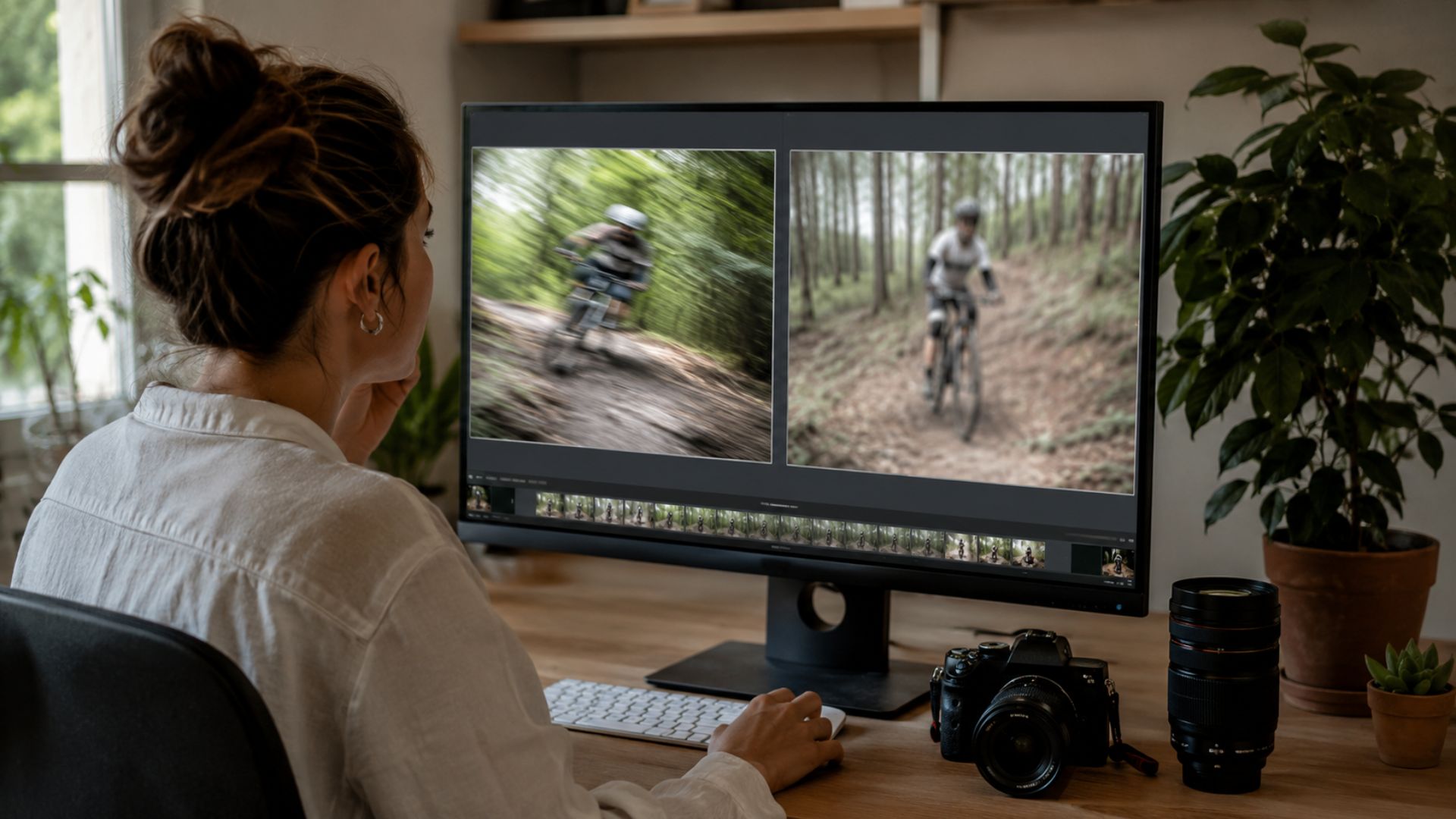
A small amount of movement can also hide surprisingly well on a camera screen. If the whole photograph looks slightly smeared in the same direction, camera movement may be responsible. If the background looks sharp but the subject does not, the subject may have moved during the exposure.
If one part of the subject is sharp while another part is soft, limited depth of field may be the cause. These problems can look similar at first, but they require different solutions, which is why diagnosis matters before editing begins.
Apply Appropriate Sharpening to RAW Files
RAW photographs normally require some sharpening during editing. This does not mean you should drag the sharpening slider as far as it will go. Too much sharpening can create halos, harsh edges, noise and unnatural-looking detail.
Instead, use sharpening to restore the crispness that is naturally reduced by the camera sensor and RAW-processing workflow. The correct amount will depend on the camera, lens, ISO, subject and final use of the photograph.
My Photo Fix Checklist
When a photograph looks sharp on my camera but soft on my computer, I work through a simple checklist rather than immediately blaming the camera or lens.
- Wait for the full-resolution preview to load.
- Compare the photograph at normal viewing size and at 100%.
- Locate the sharpest part of the image.
- Check whether focus landed on the intended subject.
- Look for directional blur caused by movement.
- Check the shutter speed, aperture and ISO.
- Consider whether the subject moved during the exposure.
- Apply suitable RAW sharpening.
- Judge the image at its intended final size.
This process helps me identify the real cause of the softness before I start making unnecessary changes or questioning perfectly good equipment.
Do Not Judge the Photograph Too Quickly
A photograph that initially looks disappointing may still be perfectly usable. It may simply need appropriate sharpening, noise reduction, local contrast or resizing for its final destination.
On the other hand, editing cannot fully repair a photograph where focus missed badly or serious motion blur destroyed important detail. The key is to identify the cause before trying to fix it.
Once you understand why the photograph looks soft, you can decide whether it needs editing, a different viewing method or a change in camera technique next time.
Photo Diagnosis
Problem: The photograph looks sharp on the camera screen but blurry or soft on the computer.
Common symptoms:
- Fine detail disappears when the photograph is enlarged.
- The RAW file looks softer than the camera preview.
- The image looks acceptable when small but disappointing at 100%.
- Focus appears to have landed slightly in front of or behind the intended subject.
- The image looks smeared rather than simply out of focus.
Most likely causes: A small camera screen hiding detail, an embedded sharpened JPEG preview, a lower-resolution software preview, missed focus, camera movement, subject movement, shallow depth of field or insufficient RAW sharpening.
Difficulty to fix: Easy to moderate, depending on the cause.
Can the photograph be saved? Often yes, particularly when the softness is caused by RAW rendering, insufficient sharpening or unrealistic viewing expectations. A badly missed focus point or severe motion blur is much harder to repair convincingly.
Frequently Asked Questions
Why do RAW photos look blurry on my computer?
RAW photographs can initially look softer because they have not received the sharpening, contrast and processing applied to the JPEG preview shown by the camera. Your editing software may also briefly display a lower-resolution preview while the full file loads.
Does transferring a photo to a computer reduce its quality?
Copying the original file from your memory card to your computer should not reduce its quality. However, sending the image through messaging apps, email services or social-media platforms may compress or resize it.
Should I always check sharpness at 100%?
Checking at 100% can help diagnose missed focus, noise and movement, but it should not be the only way you judge a photograph. You should also assess it at its intended display or print size.
Why does my photo look sharp when small but blurry when enlarged?
Reducing an image hides small focusing errors, movement and fine-detail problems. Enlarging it makes those imperfections easier to see.
Can Lightroom fix a blurry photograph?
Lightroom can improve a slightly soft photograph with sharpening, masking, texture and local adjustments. It cannot fully restore detail that was never captured because of severe missed focus or motion blur.
How can I check sharpness properly on my camera?
Zoom into the most important part of the subject, such as an eye, rather than judging the full image on the rear screen. It is also worth checking several photographs because a single frame may not represent the entire sequence.
Not Sure Why Your Photo Looks Soft?
Sometimes it is difficult to tell whether a photograph is suffering from missed focus, camera shake, subject movement, noise or an editing problem. My Photo Fix & Edit Assistant helps you analyse what went wrong, understand whether the photograph can be saved and decide what to do next.
Final Thoughts
If your photographs look sharp on the camera but blurry on your computer, do not immediately assume your equipment has failed. The camera screen may be hiding small imperfections, the camera may be showing you a processed JPEG preview, or your computer may simply be revealing more detail than you could see before.
Check where the photograph is actually sharp, allow the full preview to load, inspect the settings and judge the image at its intended final size. Most importantly, diagnose the problem before trying to fix it.
More Photo Fix Articles
- Why Does My Camera Focus on the Background Instead of My Subject?
- Why Autofocus Keeps Missing Your Subject and What I Check First
- Motion Blur or Missed Focus? How I Tell What Ruined a Photo
- What I Check When a Photo Is in Focus but Still Looks Soft
- Your Photos Look Soft Even Though You Focused Correctly


Leave A Comment